

How to Add AI Copilot Features to Your SaaS Product: A Practical 2026 Guide
July 27, 2026
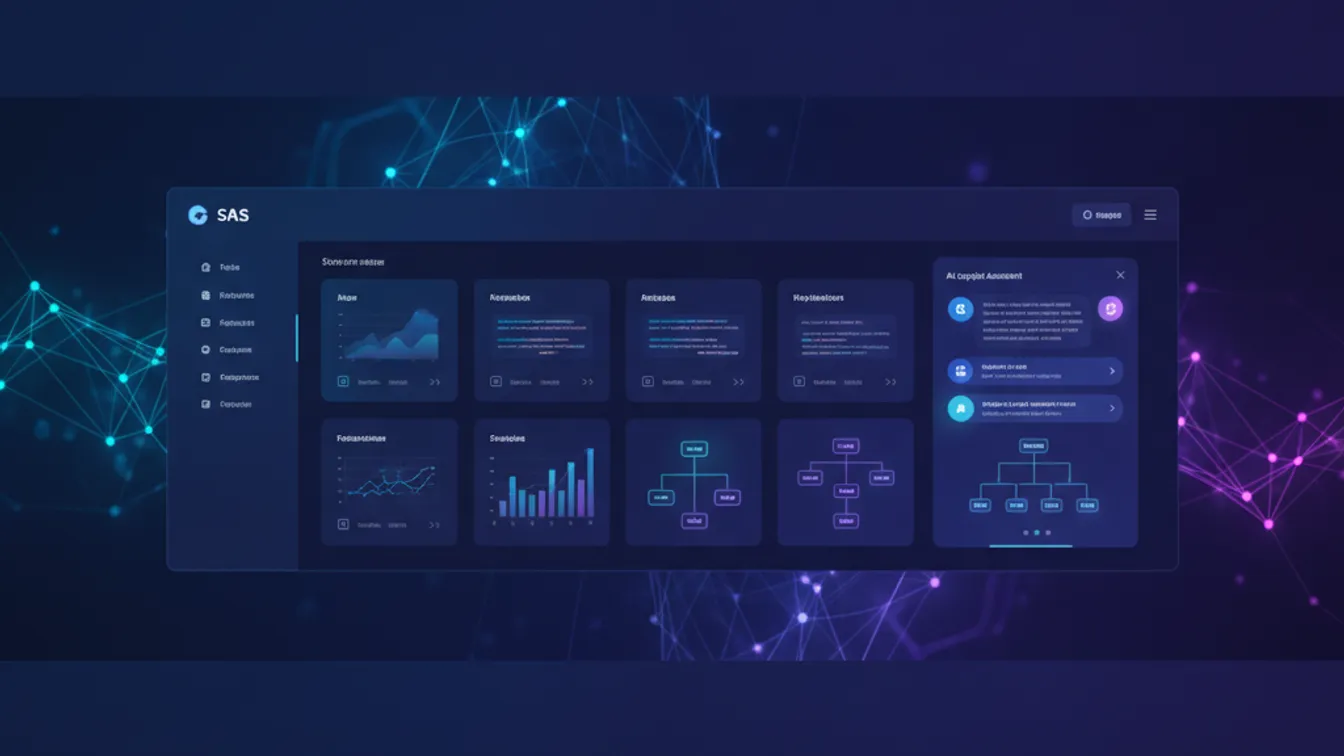
AI copilots are rapidly becoming table stakes for SaaS products. In 2026, users expect their project management tool to draft status updates, their CRM to summarize deal history, and their analytics dashboard to answer plain-English questions about the data. If your product doesn’t have an intelligent assistant, competitors who do are winning trials in the same market.
But “add an AI feature” is deceptively short advice. The gap between a demo that wows in a pitch and a production copilot that earns trust from daily users is wide — and most of it lives in engineering decisions that don’t show up in screenshots. This guide walks you through those decisions, from picking the right model to shipping a UX that users actually come back to.
What Makes a Good SaaS Copilot?
A copilot isn’t just a chatbot bolted onto your sidebar. It’s a context-aware assistant that understands the user’s current state inside your product — the record they’re viewing, the workflow they’re in, the permissions they hold — and uses that context to give answers or take actions that are genuinely useful.
The three qualities that separate good copilots from forgettable ones:
- Relevance — responses are grounded in the user’s actual data, not generic LLM outputs.
- Reliability — it behaves predictably; users aren’t afraid to act on what it says.
- Speed — latency above 3–4 seconds kills perceived intelligence regardless of answer quality.
Nail those three and users will forgive a lot of rough edges. Miss any one and the feature becomes a liability.
Step 1: Choose Your LLM Strategy
The first architectural decision is whether you’re calling a hosted model API, running an open-weight model, or fine-tuning. For most SaaS teams in 2026, hosted APIs are the right starting point.
Claude (Anthropic), GPT-4o (OpenAI), and Gemini 1.5 Pro (Google) all offer large context windows (100k–2M tokens), function calling, and latency that’s good enough for interactive use. Claude’s extended thinking and Gemini’s multimodal support stand out for specific use cases — summarizing long documents and processing screenshots respectively.
When to consider fine-tuning: only if you have thousands of domain-specific examples and need consistent format/style that prompting alone can’t nail. Fine-tuning adds cost, infra complexity, and a retraining pipeline — avoid it until you have strong evidence prompting won’t get you there.
Multi-model routing is increasingly practical: route cheap, fast tasks (classification, short completions) to smaller models, and complex reasoning to frontier models. This reduces costs by 40–70% in production.
Step 2: Context Management Is the Real Engineering Problem
The LLM is the easy part. The hard part is deciding what context to inject into each request.
A well-designed copilot assembles a context window that contains:
- System prompt — your product persona, safety rules, and output format constraints.
- User role and permissions — the assistant should know what the user can and cannot do.
- Current page state — the record ID, entity type, and key field values visible to the user.
- Relevant retrieved data — results from a vector search over documents, notes, or logs.
- Conversation history — enough turns to maintain coherence (usually the last 6–10 exchanges).
The failure mode is either under-stuffing (generic, unhelpful answers) or over-stuffing (hitting token limits, slow responses, high costs). Build a context budget and enforce it: allocate fixed slots for each category and trim oldest history first when you’re close to the limit.
RAG (Retrieval-Augmented Generation) is essential for any copilot that needs to reference more data than fits in a context window. Embed your product’s records, documentation, or support history, store them in a vector database (Pinecone, Qdrant, or pgvector in your existing Postgres), and retrieve the top-k most relevant chunks at request time. The LLM fine-tuning vs RAG guide on this site covers the trade-offs in depth.
Step 3: Function Calling — Let the Copilot Take Actions
A read-only assistant is valuable. An assistant that can act — create a task, send a summary email, update a record — is transformative. LLM function calling (also called tool use) lets you define a set of typed functions the model can invoke.
Design your function catalog with care:
- Keep functions narrow and explicit.
create_task(title, due_date, assignee_id)is better thanupdate_anything(entity, fields). - Always confirm before write operations. Show the user what the assistant is about to do and require a confirmation click before executing.
- Log every function call. Audit trails build trust and are often a compliance requirement.
- Handle failures gracefully. If a function call fails, the assistant should tell the user what happened in plain language, not expose a stack trace.
Tie function permissions to your existing RBAC layer — the assistant should respect the same access rules a human user does.
Step 4: Prompt Engineering for Production
Your system prompt is code. Version-control it, test it, and deploy changes carefully.
Key principles for production prompts:
- Be explicit about format. If you want a bullet list, say “respond with a bulleted list.” Models are literal when you’re literal.
- Constrain scope. Tell the assistant what it should not do — answering questions outside the product domain, speculating about user data it wasn’t given.
- Add output contracts. For structured outputs (JSON for function arguments, Markdown for rich text), validate the model’s response with a schema before rendering it in the UI.
- Test with adversarial inputs. Users will try to jailbreak, confuse, and break your assistant. Run a suite of adversarial prompts in CI before every prompt change ships.
Prompt regression testing doesn’t need to be complex — a simple script that sends 20–30 representative queries, compares outputs to a golden set, and fails CI if similarity drops below a threshold will catch most regressions.
Step 5: UX Patterns That Build Trust
The best copilot UX in 2026 shares a few patterns:
Stream responses. Token-by-token streaming makes a 3-second response feel snappy. Virtually all major LLM APIs support streaming via SSE (Server-Sent Events) — implement it from day one.
Cite your sources. When the assistant references a specific record, document, or data point, link to it. This lets users verify answers and trains the right mental model: the assistant is surfacing your data, not hallucinating.
Show confidence, not certainty. Use language like “Based on the last 30 days of activity…” rather than declarative statements. This reduces user disappointment when the assistant is occasionally wrong.
Provide an escape hatch. Always include a path to human support or raw data. “I couldn’t find that — here’s a link to search manually” is better than a confident wrong answer.
Iterate on conversation history UI. Threaded conversations, collapsible history, and “clear context” buttons all help power users. But don’t over-engineer the first release — a simple linear chat panel ships faster and teaches you what users actually need.
Production Readiness Checklist
Before launching your copilot to production users:
- Rate limiting and cost budgets — per-user and per-org token quotas to prevent runaway costs.
- Content moderation — filter both inputs and outputs for harmful content.
- PII handling — decide whether user data is sent to the LLM provider and disclose it in your privacy policy.
- Observability — log request/response pairs (redacted appropriately), latency, cost per request, and user feedback signals (thumbs up/down).
- Graceful degradation — when the LLM API is down or slow, the feature should fail visibly but the rest of your product should keep working.
Getting Started Without Starting Over
If you have an existing SaaS product and want to add a copilot, start with the smallest useful surface area: a single context (e.g., “explain this dashboard” or “summarize this customer’s activity”) before building a general-purpose assistant. Shipping one well-scoped AI feature that users trust is more valuable than shipping a broad assistant that disappoints in half the cases.
The AI-integrated app development service at Nevrio helps SaaS teams go from prototype to production AI features — from LLM architecture and RAG pipelines to frontend UX and monitoring. We’ve shipped copilot features for SaaS products across analytics, CRM, logistics, and edtech verticals.
If you’re ready to add AI copilot functionality to your product, start a project with Nevrio and let’s scope the right approach for your stack and users.
