

AI-Native Mobile App Development: Architecture Patterns and Best Practices for 2026
August 17, 2026
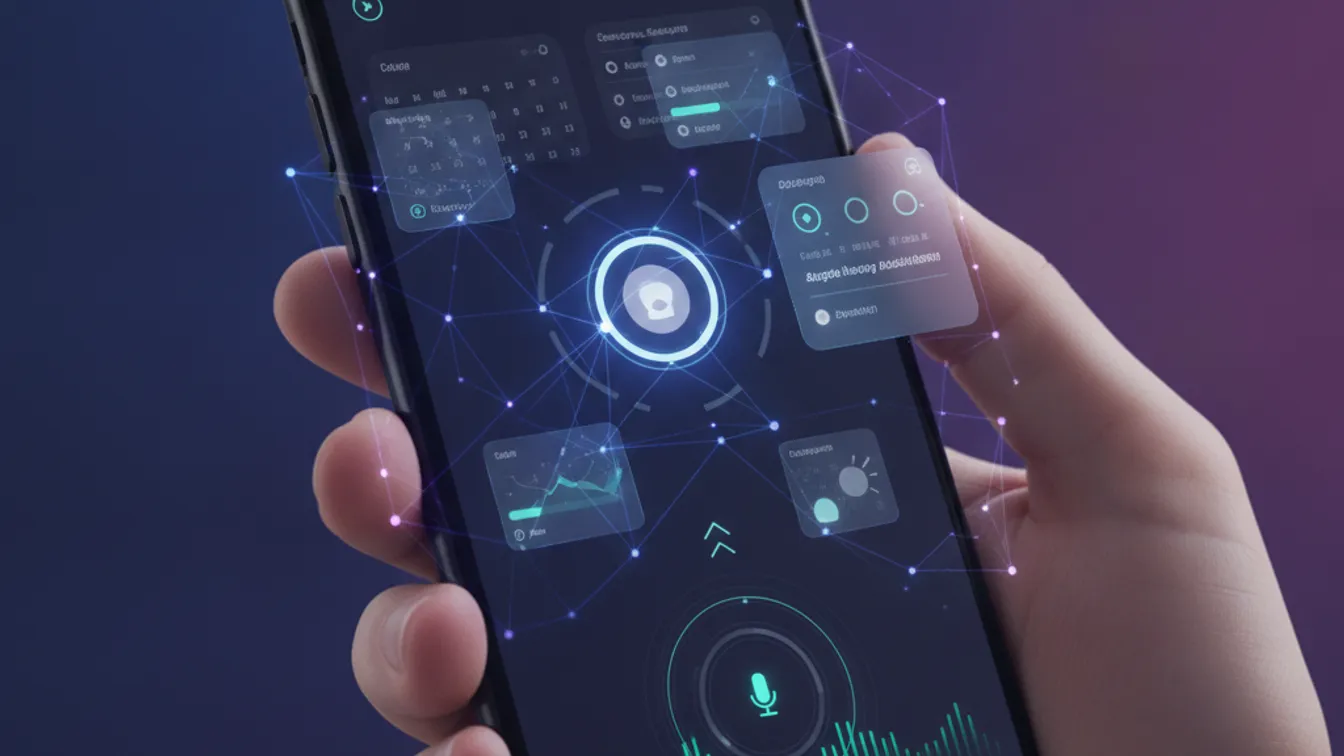
There is a meaningful difference between a mobile app that has an AI feature and one that is AI-native. The first bolts a chatbot onto an existing UI or adds a “smart suggestion” panel. The second is designed from the ground up with intelligence as a core architectural concern — shaping how data flows, how the UI responds, and how the app learns over time.
As of 2026, the gap between these two approaches has never been more visible. Users expect apps to anticipate their needs, respond to context, and improve the more they are used. Product teams that treat AI as an add-on are building for yesterday’s expectations. This guide covers the patterns and practices that distinguish genuinely AI-native mobile products.
What “AI-Native” Actually Means
An AI-native mobile app does not just call an LLM endpoint. It is built around a set of principles:
- Intelligence is a first-class architectural concern — not a sprint added at the end.
- The app learns from interaction — user behavior shapes future responses, not just a static model.
- Context is continuous — the app understands who the user is, what they have done, and what they are trying to do right now.
- AI failure is graceful — when the model is wrong or unavailable, the app degrades predictably without breaking the user experience.
This shifts how you design your data model, your API contracts, your caching strategy, and your UI component hierarchy — all before you write a single inference call.
Core Architecture Patterns
1. On-Device Inference for Latency-Sensitive Features
The most impactful shift in mobile AI since 2024 has been the maturation of on-device model runtimes — Apple’s Core ML, Google’s ML Kit and MediaPipe, and smaller open-weight models like Phi-3 Mini and Llama 3.2 running on-device via ONNX or llama.cpp.
On-device inference is the right pattern when:
- The feature needs sub-100ms response time (text autocomplete, OCR, image classification)
- User data must not leave the device (medical records, private messages)
- The app must work fully offline
The tradeoff is model size and quantization quality. A 1B-parameter quantized model fits on a modern flagship with room to spare, but engineering the prompt pipeline and managing model updates requires deliberate versioning strategy — treat your on-device model like a dependency in your package manifest.
2. Cloud-Edge Hybrid Inference
For features that require larger models — complex reasoning, multi-modal understanding, or real-time RAG over a large knowledge base — cloud inference remains the right call. The AI-native architecture builds this as a first-class API tier, not a tacked-on microservice.
The practical pattern is a tiered inference router on the client:
- Try on-device if the model covers the request type and latency budget allows.
- Fall back to a cloud endpoint with a streaming response for richer reasoning.
- Cache results intelligently (by semantic similarity, not just exact match) to avoid redundant round trips.
This pattern keeps your app fast for common operations and accurate for edge cases — without paying cloud inference costs for everything.
3. Contextual State Management
AI-native apps maintain a richer state object than traditional apps. Beyond typical session state (auth tokens, UI preferences), they track:
- Interaction history — a rolling window of what the user has done, used as in-context examples or retrieval seeds
- Inferred intent signals — dwell time, gesture patterns, explicit feedback
- Personalization vectors — lightweight embeddings that represent user preferences without storing raw data
This contextual state must be persisted across sessions, synchronized across devices when appropriate, and privacy-scoped — users must be able to reset or export it. Build your data model for this from day one; retrofitting it is expensive.
4. Conversational and Voice-First UIs
A growing segment of mobile users — particularly in healthcare, field services, and logistics — interact primarily through voice or conversational text. AI-native apps treat voice as a primary input modality, not an accessibility afterthought.
Practically, this means:
- Designing UI flows that make sense both visually and as a spoken interaction
- Building a turn management layer that handles multi-step conversations with context across turns
- Treating the LLM response as structured data (via function calling or structured outputs) that drives UI state, not just displayed text
This pattern connects naturally to Nevrio’s mobile app development work for industries like healthcare and logistics, where hands-free and ambient interactions unlock real operational value.
Industry Use Cases in 2026
Healthcare: AI-native apps in clinical settings handle ambient documentation (transcribing patient interactions in real time), predictive scheduling, and intelligent triage flows — with all inference running on-device or in a HIPAA-compliant cloud environment. The user never sees a loading spinner for the most latency-sensitive features.
Retail and E-commerce: Visual search, real-time size recommendation from a body scan, and hyper-personalized push notifications (triggered by contextual signals, not fixed schedules) are now table stakes for retail apps competing with incumbent platforms.
SaaS and Productivity: The “copilot” pattern — an AI overlay that understands what the user is working on and proactively surfaces relevant actions — has become the defining UX model for SaaS tools. Done well, it reduces task completion time. Done poorly, it is intrusive noise.
Common Pitfalls to Avoid
Over-indexing on chat UIs. Not every AI interaction should be a chat window. Use the appropriate UI primitive — inline suggestions, contextual actions, smart defaults — and reserve the full chat interface for genuinely open-ended queries.
Ignoring model latency budgets early. A model call that takes 3 seconds on a developer’s fiber connection can take 8+ seconds on a user’s LTE in a tunnel. Instrument latency from the first prototype, not the first release.
Shipping without an AI quality dashboard. AI-native apps need observability tooling that tracks not just crashes and latency but inference quality: hallucination rate, user correction rate, and feature engagement by model version. Without this, you are flying blind during model updates.
Storing raw user data as training signal without explicit consent. Regulations in the EU, US states, and India have tightened significantly. If your personalization model learns from user behavior, your privacy policy and data model must reflect that explicitly — and give users meaningful control.
Getting the Architecture Right from Day One
The single most important thing product teams can do is treat AI as a system design concern, not a product feature. This means:
- Map your inference boundaries before you design screens — decide which features are on-device, which are cloud, and which are hybrid.
- Define your contextual state schema and ownership model before writing any UI code.
- Build your evaluation harness in parallel with your first AI feature — you need a way to measure quality from the moment you ship, not six months later.
- Design for degradation — every AI-powered UI element should have a deterministic fallback that keeps the app functional when the model is unavailable or wrong.
These are decisions that are expensive to reverse once an app has shipped to thousands of users. Getting them right at the architecture stage is what separates AI-native products from AI-featured ones.
Building an AI-native mobile app is not about picking the flashiest model or adding the most features. It is about making intelligence a structural property of the product — something that shapes every layer of the stack, from data storage to UX copy.
If your team is planning a new mobile product or rearchitecting an existing one to put AI at the core, the foundation you lay in the first few weeks determines the quality ceiling for everything that follows. Start your AI-native mobile project with a team that has built production AI products across healthcare, retail, and SaaS — and get the architecture right from day one.
