

CI/CD Pipelines for SaaS: A Practical Guide to Shipping Faster Without Breaking Things
August 1, 2026
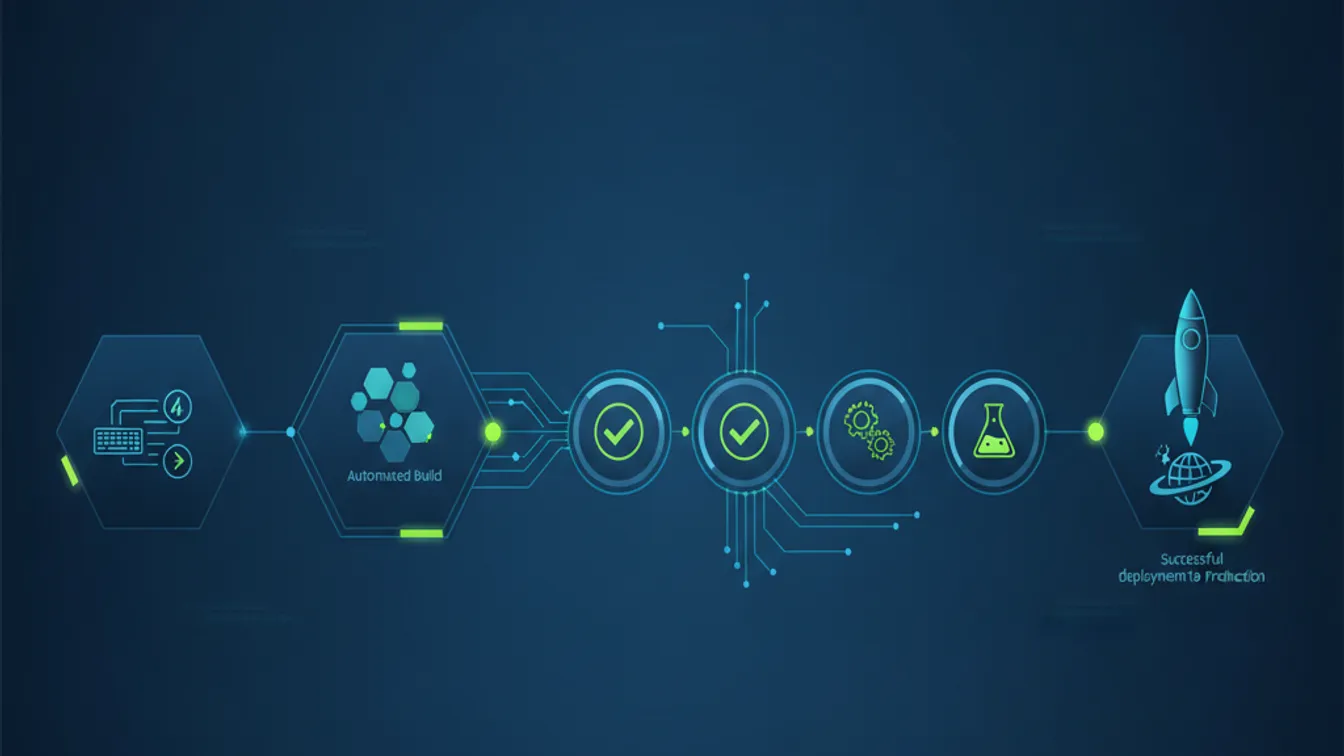
The best SaaS teams do not deploy once a week and hope for the best. They ship multiple times a day, with confidence, because they have built the infrastructure to catch problems before they reach users. That infrastructure is a CI/CD pipeline — and for most growing SaaS products, it is one of the highest-leverage investments a technical team can make.
This guide covers the core concepts, the practical tooling choices, and the deployment strategies that let product teams move fast without the anxiety of “what if this breaks production?”
What CI/CD Actually Means for a SaaS Team
Continuous Integration (CI) means that every code change is automatically built and tested the moment it lands in version control. No waiting for a dedicated test sprint. No “it worked on my machine” surprises. Every pull request gets the same automated verification process before it can merge.
Continuous Delivery (CD) means that passing code is automatically prepared for release — packaged, environment-ready, and deployable with a single action. Continuous Deployment takes it one step further: every passing change is automatically deployed to production without human intervention.
Most SaaS teams operate somewhere between Continuous Delivery and Continuous Deployment. The goal is not to eliminate human judgment from releases — it is to make releases so routine and low-risk that deploying is a non-event rather than a high-stakes operation.
The Core Pipeline Stages
A well-designed pipeline moves code through distinct checkpoints, with each stage adding confidence before the next one runs.
Stage 1: Build and lint
The first stage compiles or bundles your application, runs static analysis, and checks formatting. This stage should run in under two minutes. If it takes longer, engineers stop running it locally and skip it — which defeats the point.
Fast feedback here pays dividends across the whole team. A type error caught at the lint stage takes seconds to fix. The same error caught two days later in a code review, or a week later in a production incident, takes significantly longer.
Stage 2: Automated tests
This is where most of the pipeline’s value lives. A well-structured test suite gives you:
- Unit tests that verify individual functions and components in isolation
- Integration tests that verify that your services, APIs, and database layers behave correctly together
- End-to-end tests that verify critical user flows from the browser perspective
The goal is not 100% coverage for its own sake — it is coverage of the paths that would cause real user harm if broken. A payment flow that silently fails. A data export that corrupts records. An authentication flow that locks users out. Start with those and build outward.
Stage 3: Staging deployment
Before code reaches production, deploy it to a staging environment that mirrors production as closely as possible — same infrastructure, same external service connections (or realistic mocks), same data shape. Run a smoke test suite against staging to confirm the deployment succeeded and critical flows work.
Stage 4: Production deployment
Once staging is verified, the production deployment can run automatically (for Continuous Deployment) or await a one-click approval (for Continuous Delivery). Either way, the deployment is scripted, repeatable, and monitored — not a manual process with steps documented in a shared document that someone forgot to update.
Choosing Your CI/CD Platform
The tooling decision matters less than the discipline of actually using it consistently, but some platforms are better suited to specific team sizes and cloud targets.
GitHub Actions is the default choice for most teams already on GitHub. It integrates directly with pull requests, has a large library of community-maintained action workflows, and is free for public repositories. For a SaaS startup, it handles the full pipeline without requiring a separate CI service.
GitLab CI/CD is similarly well-integrated for teams on GitLab, with a particularly strong built-in container registry and deployment environment management.
CircleCI and Buildkite are worth considering when pipelines become complex enough to need fine-grained compute control — self-hosted runners, parallelism at scale, or advanced caching strategies.
For most early-to-mid-stage SaaS products, GitHub Actions is the path of least resistance. Add complexity only when a specific constraint demands it.
Testing Strategy: What to Automate First
Engineers new to CI/CD often underestimate how much test coverage they already have — or overestimate how much they need to start. Here is a practical sequencing:
- Start with the happy path. Automate tests for your product’s core value loop: sign up, activate, use the primary feature, upgrade. If those break, everything else is secondary.
- Add regression tests for every production bug. Every bug that reached users gets a test that would have caught it. This is the fastest way to build a useful regression suite.
- Then expand to edge cases and error handling. What happens when an API dependency is unavailable? When a user hits a rate limit? When a form is submitted with unexpected input?
A suite of 50 tests covering the right paths is more valuable than 500 tests covering low-risk paths. Optimize for signal, not volume.
Zero-Downtime Deployments and Rollout Strategies
For multi-tenant SaaS products, a deployment that takes the application offline — even briefly — affects every customer simultaneously. Zero-downtime deployment is not optional for production-grade SaaS.
Blue-green deployments
Keep two identical production environments (“blue” and “green”). Traffic runs on blue; you deploy to green, verify it, then switch the load balancer. If something goes wrong, switching back to blue is instant. The cost is running two environments simultaneously, which is acceptable for most applications.
Canary releases
Route a small percentage of traffic — say, 5% — to the new version before rolling it out fully. Monitor error rates, latency, and business metrics for the canary cohort. If the metrics look good, gradually increase the traffic split. If they degrade, roll back without any user impact beyond the canary group.
Canary releases are particularly valuable for changes with uncertain performance characteristics — a new database query, a new third-party integration, a significant frontend change.
Feature flags
Feature flags let you ship code to production before activating it for users. A new feature lives behind a flag that you can enable for internal users, then a beta cohort, then gradually for all users — all without a new deployment. Tools like LaunchDarkly, Statsig, and open-source alternatives like Unleash make this manageable.
Monitoring and Rollback
A CI/CD pipeline without monitoring is a car without a dashboard. You can drive it, but you do not know when something is about to fail.
After every production deployment, watch your error rate, p99 latency, and key business metrics for at least 30 minutes. Set automated alerts so that a degradation triggers a notification before a customer reports it. And make sure your rollback procedure is documented, tested, and fast — ideally a single command that takes less than two minutes to execute.
The teams that ship most confidently are not the ones that never have incidents. They are the ones whose incidents are contained quickly, rolled back cleanly, and post-mortemed thoroughly so the same failure mode does not recur.
Shipping Confidence is a Competitive Advantage
A mature CI/CD pipeline is not just an engineering convenience. It is what separates teams that can respond to market changes in days from teams that are locked in two-week release cycles. For SaaS products competing on responsiveness, feature velocity, and reliability, the ability to ship safely and frequently is a meaningful competitive edge.
Building this infrastructure takes investment upfront — but compared to the cost of a production incident that affects hundreds of customers, or the opportunity cost of a release cycle that slows your iteration speed, it pays back quickly.
If you are building a SaaS product and want to architect a deployment pipeline that scales with your growth, let’s build it right from the start. See how Nevrio approaches SaaS product development and explore our AI-integrated app development services to understand how we help teams ship with confidence at every stage.
