

How to Build a Real-Time Logistics and Delivery Tracking App in 2026
June 29, 2026
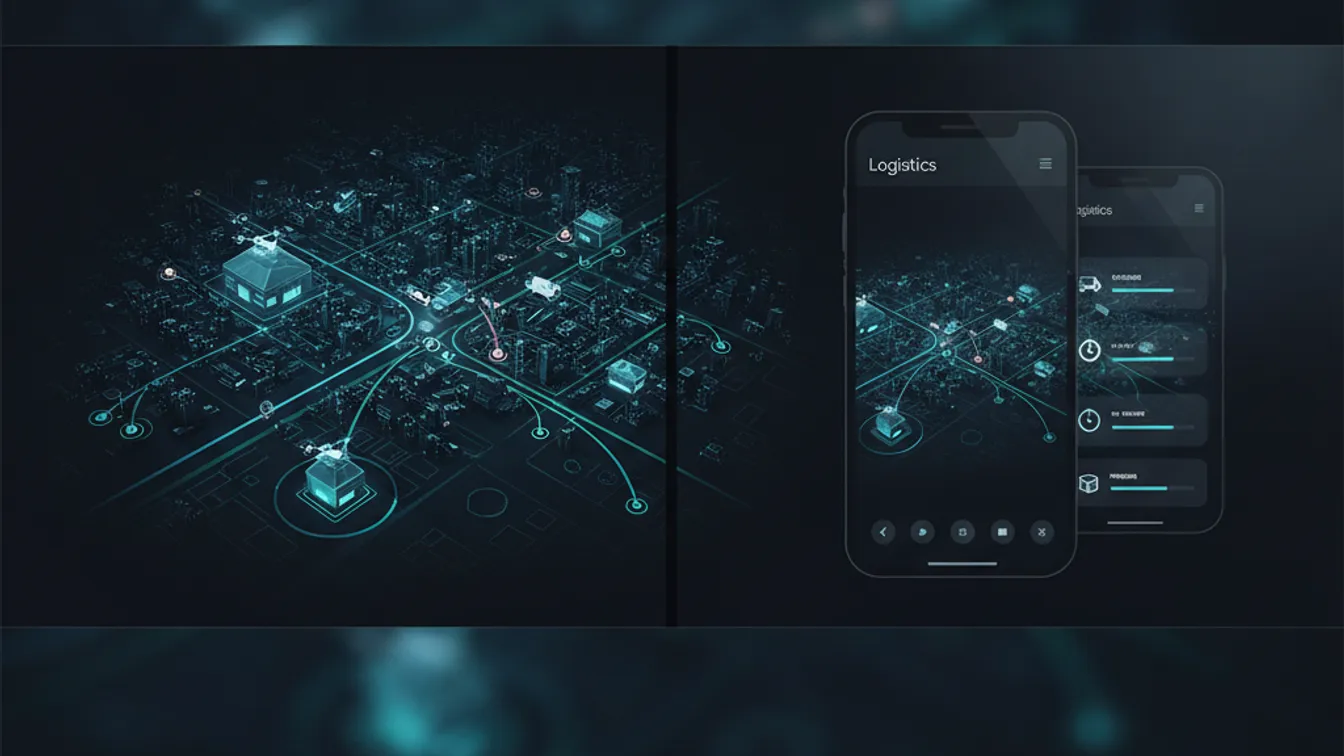
When your product is “the package arrives on time,” software is no longer a differentiator — it’s the product. Customers expect a live tracking pin, a precise ETA, and a push notification the moment anything changes. Drivers expect turn-by-turn guidance that adjusts for traffic in real time. Operations teams expect a dashboard that surfaces exceptions before they turn into complaints. Meeting all three sets of expectations, inside a single coherent system, is a genuinely hard engineering problem — and one that more companies are trying to solve themselves rather than paying per-seat for a generic TMS that doesn’t quite fit.
This guide walks through the core decisions: what to build first, which technical components carry the most weight, and how to avoid the scaling traps that sink logistics apps at the worst possible moment.
What Users Actually Expect
The bar has moved. Five years ago, a daily email with a tracking number was acceptable. Today, three audiences have distinct, non-negotiable expectations:
- Customers want a live map link, an ETA window of one to two hours (not “by end of day”), and a notification the moment the driver is nearby.
- Drivers want route guidance that respects loading-dock restrictions and updates when there’s an accident — not a static sequence that ignores real-world traffic.
- Operations teams want a fleet view showing every vehicle, every stop, and every delay; exception flags (missed stops, long idles, vehicle off-route) surfaced automatically rather than discovered by a customer complaint.
Designing for all three from day one — rather than bolting on features after launch — is the single biggest architectural decision the project makes.
Core Technical Components
Real-Time Location Tracking
The engine of any logistics app is a pipeline that moves GPS data from the driver’s device to every interested party with minimal latency. The canonical pattern:
- The driver app samples device GPS at a configurable interval (every five to fifteen seconds is usually right — faster drains battery, slower makes the map feel laggy).
- Coordinates are posted to a lightweight backend endpoint or pushed over a persistent WebSocket connection.
- The backend broadcasts updates to the customer-facing tracking page and the operations dashboard via the same WebSocket infrastructure (Socket.IO, Ably, or Pusher are popular managed options; self-hosted solutions can use Redis Pub/Sub).
The key constraint: GPS accuracy degrades inside buildings and in dense urban canyons. Factor in an accuracy radius in your UI, and don’t calculate ETAs from a single noisy reading — smooth the position stream before displaying it or running calculations against it.
Route Optimization
Showing a driver a route is easy. Showing the best route for a multi-stop delivery run — accounting for time windows, vehicle capacity, traffic, and one-way streets — is an NP-hard combinatorial problem that the industry has been attacking for decades.
For most early-stage products, Google Maps Platform Directions API with the optimize:true waypoints flag gets you 80% of the way with minimal effort. As volume grows, dedicated route optimization engines like Valhalla (open-source), OSRM, or commercial options like Routific and OptimoRoute give finer control over constraints and significantly faster responses under load.
A few constraints that catch teams off guard:
- Time windows — some stops only accept deliveries in a specific one-hour slot.
- Vehicle type restrictions — trucks can’t use certain roads, bridges, or tunnels.
- Re-optimization on failure — when a driver misses a stop or traffic makes an ETA impossible, the route needs to recalculate immediately and push the updated sequence to the driver.
Push Notifications and ETAs
Customers tolerate a lot as long as they feel informed. A well-timed notification when the driver is two stops away or when a delay has pushed the ETA past the original window converts anxious customers into patient ones.
Firebase Cloud Messaging (FCM) covers Android and iOS in a single SDK. For SMS fallbacks (not every customer installs your app), Twilio and AWS SNS are reliable choices. The logic that decides when to fire a notification — “driver is N stops away,” “ETA changed by more than M minutes” — belongs in a dedicated notification service, not scattered through your delivery workflow.
ETA calculations should factor in historical delivery duration per stop (first deliveries routinely take longer than subsequent ones) rather than relying purely on map distance. Collect this data from day one — it’s what makes your ETAs tighten over time.
Fleet Dashboard
The operations dashboard is often underspecced in the MVP and then urgently rebuilt three months after launch when the ops team can no longer manage exceptions manually. Build the basics early:
- A live map showing all active vehicles with current status (en route, at stop, idle, off-route).
- An exception feed — stops that missed their time window, drivers who haven’t moved in N minutes, vehicles significantly off their planned route.
- A day summary — planned vs. completed stops, on-time rate, average stop duration.
These three views replace roughly 90% of the ad-hoc “where is driver X and why is customer Y upset” questions that flood operations teams.
Mobile Stack Choices
Most logistics apps need both a customer-facing app and a driver app. The driver app often has tighter constraints: it needs to work in poor connectivity, stay responsive for someone who’s physically in and out of a vehicle, and handle background GPS updates correctly on both Android and iOS.
React Native and Flutter are both viable for cross-platform delivery. React Native has the larger ecosystem of maps and navigation libraries; Flutter gives you more consistent rendering and better performance on lower-end Android devices — which, realistically, some of your drivers will be using. Native iOS/Android is worth the cost only when you have very specific hardware integrations (in-cab scanners, Bluetooth label printers) that the cross-platform bridges don’t handle well.
For a detailed comparison relevant to your use case, see our breakdown of native vs. cross-platform mobile development.
Backend Architecture and Data
The backend of a logistics app handles three data speeds simultaneously: batch (route plans generated in the morning), near-real-time (location updates every few seconds), and event-driven (stop scans, status changes, exceptions). Mixing them in a single monolith without clear separation is how systems become brittle at peak delivery windows.
A practical starting point:
- PostgreSQL with PostGIS for persistent route, stop, and driver data — PostGIS gives you first-class geospatial queries (nearest driver, vehicles in a geofence) without a separate geo database.
- Redis for ephemeral location state — the last known position of each vehicle, read by the dashboard and broadcasting service.
- A message queue (SQS, RabbitMQ, or Kafka depending on volume) to decouple the location ingest pipeline from the notification and analytics services.
Scaling Considerations
The load pattern for a logistics platform is spiky and predictable: morning route dispatch, midday delivery peak, end-of-day reconciliation. That predictability is an advantage — you can pre-scale before the peak rather than reacting to it. Auto-scaling groups in AWS or GCP, combined with pre-warmed containers for the location ingest service, handle the pattern cleanly.
The single most common scaling failure we see is a single WebSocket server that holds all active connections — it becomes a bottleneck and a single point of failure. Horizontally scaled WebSocket servers, backed by Redis Pub/Sub for fan-out, is the pattern that holds at volume.
Security and Compliance
Driver location data is personal data in most jurisdictions. A few non-negotiable practices:
- Retain raw GPS tracks only as long as operationally necessary, then aggregate or delete.
- Restrict access to location data within the platform on a need-to-know basis — a customer should see their own delivery’s position, never another customer’s.
- Use HTTPS and authenticated WebSocket connections throughout.
- For enterprise logistics clients, expect to be asked about SOC 2 compliance — building with audit logging and access controls from the start is far cheaper than retrofitting them.
Scoping Your MVP
The most common mistake logistics platforms make is trying to ship route optimization, real-time tracking, customer notifications, a driver app, an operations dashboard, and integrations with their ERP — all at once. The result is a launch six months late with everything half-working.
A focused MVP scopes to one thing done correctly: typically, live tracking visible to the customer plus a driver app with basic navigation. Everything else — route optimization, time-window constraints, fleet analytics — follows once you have real delivery data to learn from.
Building a logistics product from the ground up, or adding a tracking layer to an existing logistics operation? Our mobile development and web development teams have shipped real-time tracking platforms for logistics and mobility companies. Start a project with us, or contact our team to talk through your architecture and find the right scope for your first release.
