

Zero-Downtime Deployments: The Complete Guide for SaaS Teams in 2026
September 7, 2026
A scheduled maintenance window at 2 AM used to be considered an acceptable trade-off for shipping new features. In 2026, it’s a competitive liability. Users expect 99.99% uptime. Enterprise buyers put it in contracts. A fifteen-minute maintenance window that hits the wrong timezone costs you a renewal. And in a crowded SaaS market, every incident that leaks onto social media is a free advertisement for your competitor.
Zero-downtime deployment is no longer a luxury for teams with large infrastructure budgets — it’s a set of patterns that any SaaS team can implement, regardless of whether you’re running three microservices or thirty. This guide covers the strategies, the tradeoffs, and the database migration problem that trips up most teams when they try to get there.
Why Deployments Cause Downtime in the First Place
Understanding why deployments break availability is the first step to preventing it. There are three root causes:
Connection draining. When you restart a process to deploy new code, in-flight requests die mid-execution. The client gets a connection reset or a 502, and the user sees an error. This is the most common cause of deployment-related errors and the easiest to fix.
Schema mismatches. If your database migration runs before your new code is deployed, there’s a window where old code is hitting a new schema it doesn’t understand — and vice versa after the code goes live. This window is usually measured in seconds, but under load it produces a burst of errors.
Cold-start latency. New containers or instances take time to initialise — JVM warm-up, connection pool establishment, cache pre-loading. Sending traffic to them before they’re ready produces timeouts that look like downtime even if the deployment itself is clean.
All three are solvable. Most zero-downtime deployment strategies are fundamentally mechanisms for eliminating or shrinking each of these windows.
Strategy 1: Rolling Deployments
Rolling deployment is the simplest approach and the default behaviour of most orchestrators (Kubernetes, ECS, Nomad). Instead of stopping all instances and starting new ones simultaneously, the orchestrator replaces instances one at a time (or in batches), keeping the old version running until enough new instances are healthy.
The key configuration decisions:
maxUnavailable: how many instances can be down simultaneously. Set to 0 for strict zero-downtime — the orchestrator won’t terminate an old instance until a new one is healthy.maxSurge: how many extra instances to run during the rollout. Setting this above 0 means you briefly run more capacity than you need, but the rollout is faster and the transition is smoother.- Health checks: the orchestrator marks a new instance “healthy” based on your readiness probe. If you don’t have a readiness probe, or your probe passes before the application is actually ready to serve traffic, you’ll see cold-start errors. A good readiness probe checks whether the database connection pool is established, any caches are warm, and the application can handle a real request — not just whether the process started.
Rolling deployments have one constraint: the old version and new version run simultaneously for the duration of the rollout. Your new code must be backward-compatible with the existing schema and any messages in your queues. This leads directly to the expand-contract pattern for schema changes (covered below).
Strategy 2: Blue-Green Deployments
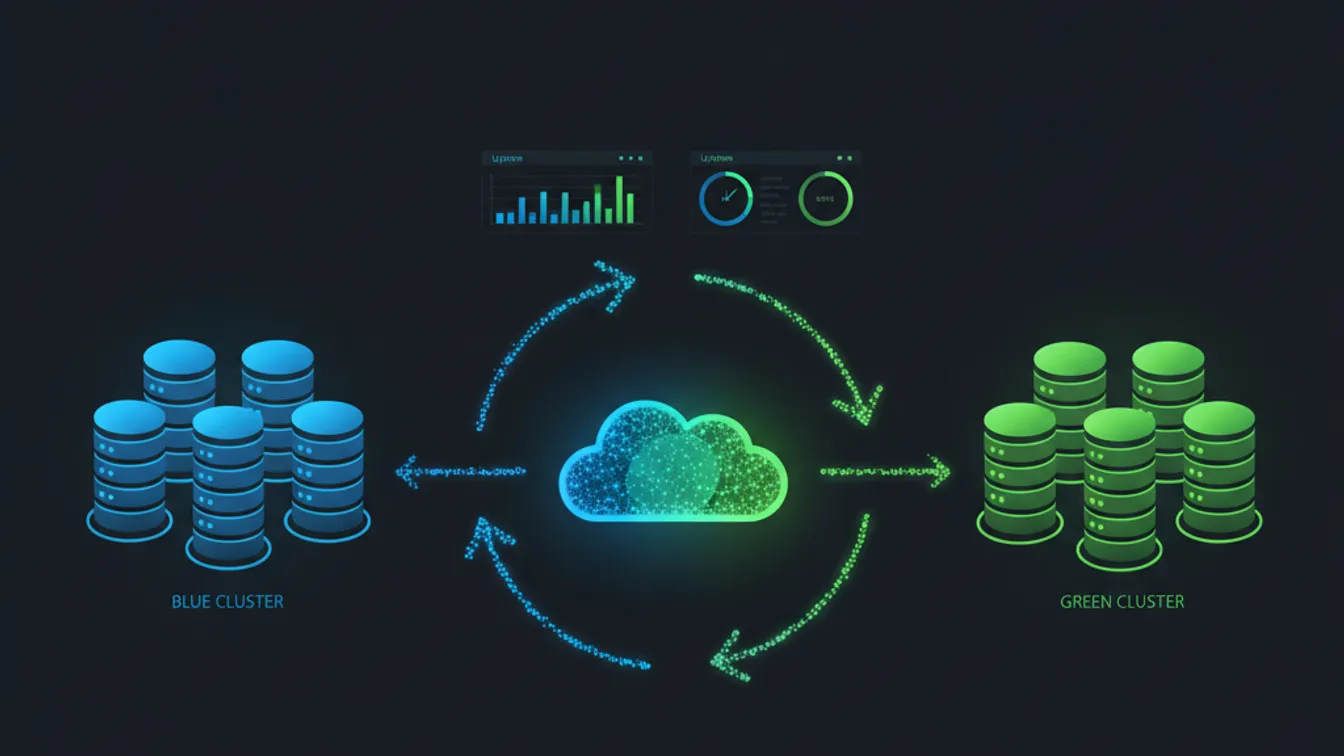
Blue-green deployment runs two identical production environments — “blue” (the current live version) and “green” (the new version). Traffic flows entirely to blue while green is being deployed and validated. Once green is healthy, a router (load balancer, DNS, or service mesh) flips 100% of traffic to green in a single step. Blue stays live as an instant rollback target.
Advantages: the deployment is atomic from a traffic perspective — there’s no period where old and new versions are simultaneously serving users. Rollback is instant (flip traffic back). Green can be fully load-tested against production data before any user sees it.
Disadvantages: it requires double the infrastructure at deployment time. Stateful services — anything with sticky sessions, local caches, or in-memory state — require care, because the flip can strand sessions. Database connections need to be managed across both environments.
Blue-green is the right choice for teams with strict no-overlap requirements or complex stateful services where running two versions simultaneously is impractical. For cloud-native architectures where infra can be provisioned and torn down on demand, the cost of the extra environment is minimal.
Strategy 3: Canary Releases
A canary release routes a small percentage of traffic — say, 5% — to the new version while 95% continues to hit the old version. You watch your error rates, latency distribution, and business metrics on the canary cohort. If everything looks good, you gradually increase the canary percentage until it reaches 100%. If something looks wrong, you route all traffic back to the old version.
Canary releases are the most sophisticated strategy and the one that gives you the highest confidence before a full rollout. They’re also the most operationally complex, because you need:
- A traffic-splitting mechanism at the load balancer or service mesh level (AWS ALB weighted target groups, Nginx
split_clients, IstioVirtualServiceweight routing, or Flagger) - Automated promotion and rollback based on error-rate and latency thresholds
- Meaningful metrics to watch — not just “is it erroring?” but “are conversion rates dropping for the canary cohort?”
Feature flags can serve as a lightweight canary mechanism without infrastructure changes: deploy the new code to 100% of instances, but gate the new behaviour behind a flag that’s only enabled for a percentage of users. This decouples deployment from release, which is often the more important architectural shift.
The Database Migration Problem
The hardest part of zero-downtime deployment isn’t the application layer — it’s the database. Most deployment outages that can’t be explained by connection draining come from schema migrations that aren’t backward-compatible.
The solution is the expand-contract pattern, sometimes called the parallel change pattern:
Step 1 — Expand: add the new column, index, or table. Write new code that writes to both old and new structures (dual-writes). Deploy. The old code keeps working; the new code starts populating the new structure. No breakage.
Step 2 — Migrate: backfill existing rows to populate the new column or table. Run this as a background job or a data migration script, not as part of the deployment itself. Monitor for query timeouts and run in batches to avoid locking the table.
Step 3 — Contract: once all rows are migrated and the new code is fully deployed, remove the old column, table, or code path. This step comes in a subsequent deployment, after you’re confident the migration is complete.
This pattern means each database change happens across at least two deployments rather than one. It feels slower, but it’s the price of zero-downtime migrations on large tables. For small tables (under a few million rows), most databases can apply an ALTER TABLE fast enough that the window is negligible, but for large tables, locking the table for a migration in the middle of a deploy is how you create a five-minute outage.
Tooling: golang-migrate, Flyway, and Liquibase all support sequential, versioned migrations. What they don’t do for you is write backward-compatible migrations — that judgment call remains yours.
Connection Draining and Graceful Shutdown
Every service in your stack should implement graceful shutdown: when it receives a SIGTERM (the signal Kubernetes and other orchestrators send before killing a process), it should:
- Stop accepting new connections
- Finish processing in-flight requests
- Close database connections cleanly
- Exit
The orchestrator typically gives the process a grace period (Kubernetes defaults to 30 seconds) before sending SIGKILL. For most web services, 30 seconds is more than enough to drain in-flight requests. For background workers processing long jobs, you’ll want to finish the current unit of work and leave longer-running jobs to be picked up by another instance.
In Node.js, this means listening for process.on('SIGTERM', ...) and calling server.close(). In Go, it means using context.WithTimeout around your server shutdown. In Spring Boot, it’s built in via server.shutdown=graceful. Regardless of your runtime, not implementing graceful shutdown means every deploy drops in-flight requests — even if you’re using a perfect blue-green strategy at the orchestration layer.
Validating Your Zero-Downtime Setup
Theory is one thing; confirming it works under load is another. Before you claim your deployment pipeline is truly zero-downtime, run this test:
- Start a continuous stream of requests to your service — something like
hey -z 5m -c 50 https://your-service.com/healthworks. - Trigger a deployment while the load test is running.
- Watch the error count. If it’s zero throughout the deployment, you’re done. If it spikes, you have a gap to close.
Run this in staging first. If your staging environment isn’t close enough to production (different orchestrator config, different health check settings), run a dark-traffic test in production during a low-traffic window with careful monitoring.
Putting It Together: What a Modern SaaS Deployment Pipeline Looks Like
A mature deployment pipeline for a SaaS product in 2026 typically combines several of these patterns:
- Rolling deployment with
maxUnavailable: 0as the default strategy for stateless services - Canary releases (via feature flags or traffic splitting) for high-risk changes
- Expand-contract migrations for any schema change that touches large tables
- Graceful shutdown wired into every service, with readiness probes that actually reflect readiness
- Automated rollback triggered by error-rate thresholds in the deployment pipeline
None of these patterns require a dedicated platform engineering team to implement. A three-engineer team building a SaaS MVP can adopt rolling deployments and graceful shutdown in a single sprint and eliminate the majority of their deployment-related errors immediately. The more sophisticated patterns — canary releases, automated rollback — come later as the product matures and the cost of a bad deploy increases.
The goal is a deployment that your users never notice. That’s achievable today, and the investment to get there pays back every time you avoid a 3 AM incident or a customer success call explaining a maintenance window.
If your team is still shipping behind maintenance windows — or if deployments are the highest-risk activity in your engineering week — that’s a solvable problem, and it doesn’t require rebuilding your infrastructure from scratch.
Talk to Nevrio about your deployment pipeline — our engineers have helped SaaS teams of every size move from fragile, risky deploys to continuous delivery that ships multiple times a day, safely.
